TRUCK SOFTWARE






 CLAAS
CLAAS CNH
CNH





 HITACHI



 JPRO
JPRO KUBOTA
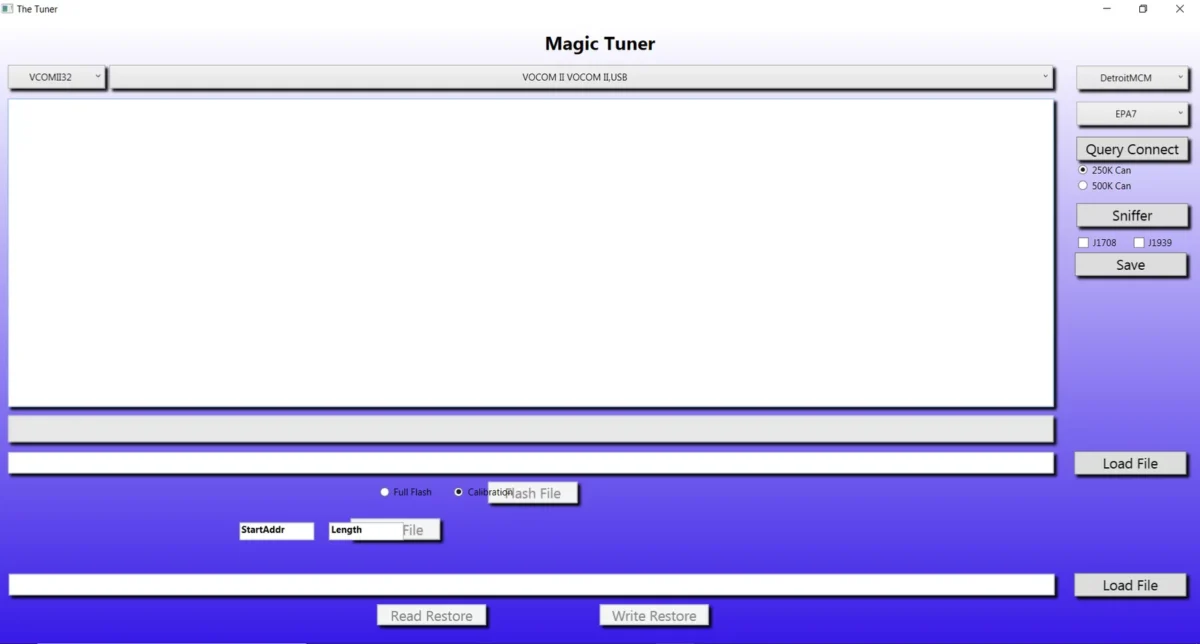
 MAGIC TUNER
 MANITOU
 NEXIQ
NEXIQ NONSELF
 PACCAR


 PSI POWERLINK







 ZF TESTMAN




Navistar SDS Service Diagnostics Solutions 2026: The Essential Tool for Fleet Maintenance
Navistar SDS Service Diagnostics Solutions 2026 is a comprehensive software designed for the effective diagnosis and programming of Navistar heavy-duty vehicles. It offers a range of features tailored to optimize fleet maintenance and improve operational efficiency. The software supports real-time system monitoring, diagnostic trouble code recovery, and parameter programming. Users can benefit from advanced data visualization tools and specialized service tests, making it an essential tool for professionals in the automotive service industry.
Table of Contents
ToggleNavistar SDS 2026 Software Overview
The Navistar SDS 2026 software is designed to meet the advanced needs of truck maintenance and diagnostics, providing a robust solution for fleet operators.
Features and Capabilities
This software includes a variety of features that enhance diagnostic efficiency and operational effectiveness.
Real-Time System Monitoring
Technicians can access real-time data on vehicle systems, enabling proactive identification of potential issues.
Diagnostic Trouble Codes (DTC) Recovery
The software allows users to read and clear diagnostic trouble codes, streamlining the troubleshooting process.
Parameter Programming and Customization
Users can modify various vehicle parameters according to specific fleet requirements, optimizing performance.
Data Visualization and Graphing Tools
Graphical data representation aids in simplifying complex information for better decision-making.
Specialized Service Tests
Conducting specific tests enables precise diagnostics of both mechanical and electronic systems.
Calibration Update Programming
The software supports programming essential updates to ensure optimal engine performance.
Vehicle Health Reporting
This feature generates detailed health reports, assisting in informed maintenance planning and execution.
Compatibility and Hardware Requirements
Understanding compatibility and hardware requirements is essential for ensuring effective use of diagnostic tools in the automotive industry.
Supported Engine Models and Vehicle Types
The Navistar SDS 2026 is designed to work seamlessly with a variety of engine models and vehicle types.
International Engines Compatibility
This software is compatible with International engines from the 2017 model year and onwards. This includes popular models that are widely used in commercial trucking and heavy-duty applications.
Electric and Hybrid Vehicle Support
In addition to traditional engines, the software supports newer electric and hybrid vehicle models, catering to the evolving needs of the fleet industry.
Recommended Diagnostic Hardware
To optimize functionality, specific diagnostic hardware is recommended for use with Navistar SDS 2026.
NEXIQ USB-Link 2 Adapter
This adapter provides reliable connectivity between the diagnostics software and heavy-duty vehicles, facilitating data communication efficiently.
Dearborn Group DPA5 PRO
The DPA5 PRO is another recommended adapter that ensures compatibility and enhances the diagnostic process for various vehicle types.
Noregon DLA+ 2.0 and Wireless
This diagnostic tool, available both in wired and wireless versions, offers flexibility and ease of use for technicians in the field.
Minimum Computer and Software Specifications
For optimal performance, specific computer and software specifications are required to run the Navistar SDS 2026. These include adequate RAM, processor speed, and operating system compatibility to ensure smooth operation.
Installation and Setup Process
The process for installing and setting up the Navistar SDS tool is designed to ensure a seamless experience from start to finish. With efficient installation methods and user-friendly configurations, technicians can quickly leverage the software’s capabilities.
Software Installation Via TeamViewer
Utilizing TeamViewer for the installation of the software provides remote access to ensure a straightforward setup. This method eliminates the need for physical media, allowing technicians to install the software directly onto a computer that supports the required specifications. The remote connection allows for real-time assistance, helping to troubleshoot any potential issues that may arise during installation.