TRUCK SOFTWARE






 CLAAS
CLAAS CNH
CNH





 HITACHI



 JPRO
JPRO KUBOTA
 MAGIC TUNER
 MANITOU
 NEXIQ
NEXIQ NONSELF
 PACCAR


 PSI POWERLINK







 ZF TESTMAN




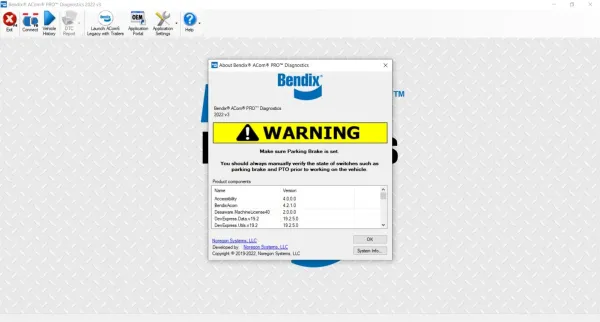
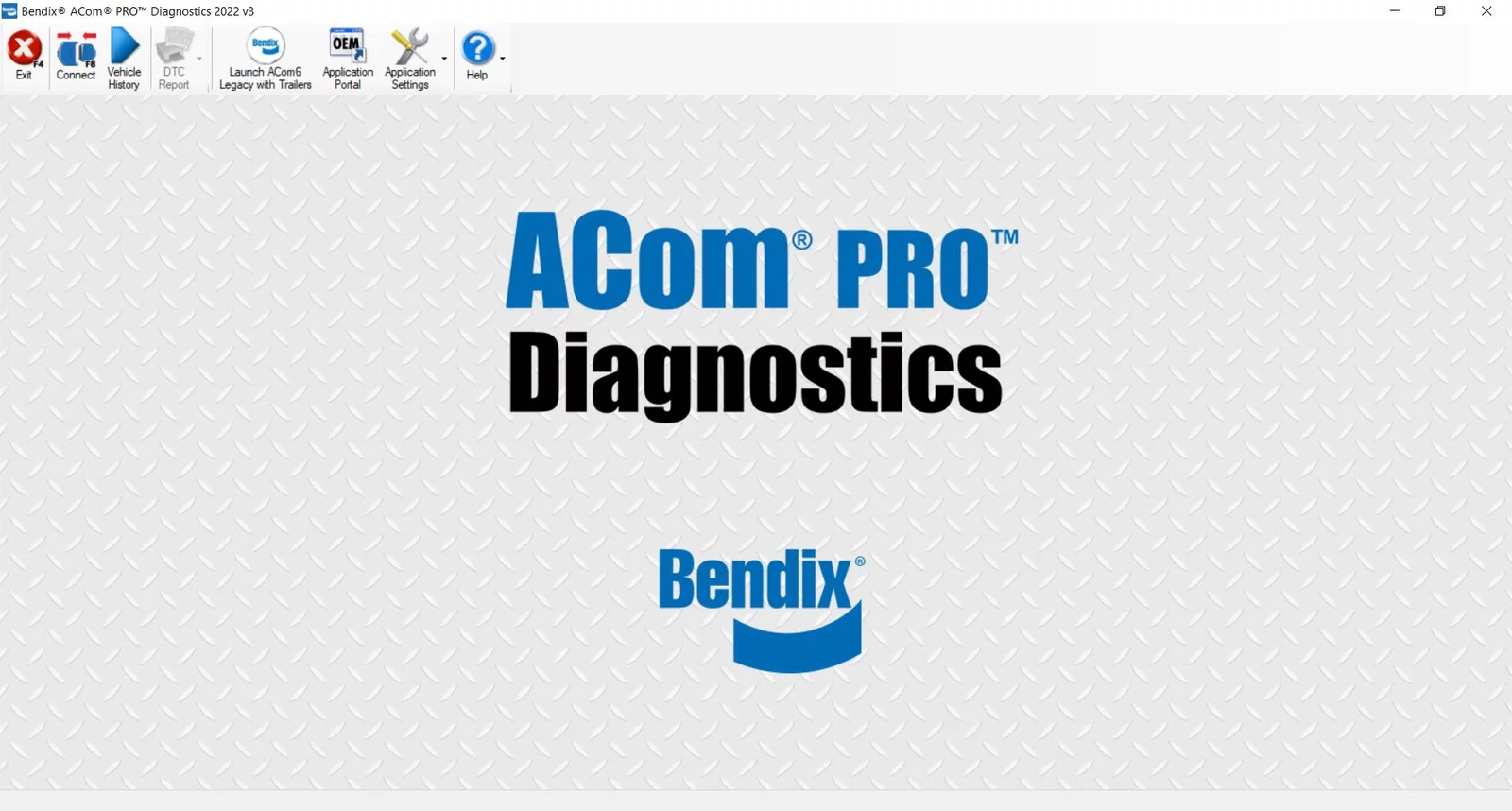


Bendix ACom Diagnostics Download 2022: Essential Tools for Heavy Trucks
Bendix ACom Diagnostics Download 2022 offers essential diagnostic tools for heavy machinery and trucks. This software is designed to support a wide range of vehicle systems, ensuring effective troubleshooting and maintenance. The download includes user-friendly installation instructions and compatibility with various hardware adapters. Efficient diagnostic capabilities enhance vehicle performance and safety in the transportation industry.
Table of Contents
ToggleFeatures of Bendix ACom Diagnostics Software
This software offers a range of features designed to enhance the diagnostic capabilities for heavy vehicles. Its comprehensive design makes it indispensable for mechanics and technicians alike.
Comprehensive Systems Coverage
Bendix ACom Diagnostics Software provides extensive coverage for various vehicle systems, which includes but is not limited to:
- Braking systems such as ABS and stability control.
- Electronic control units, allowing in-depth data analysis.
- Driver assistance technologies to ensure safety and efficiency.
Compatibility with Multiple Vehicle Brands
The software is designed to be compatible with a wide range of well-known vehicle brands. It supports major makes such as Freightliner and Volvo, ensuring that technicians can use it across multiple fleets without issues.
Language and Operating System Support
Available primarily in English, the software runs smoothly on various Windows operating systems, including:
- Windows 7
- Windows 8
- Windows 10
Supported Adapter Hardware
To function optimally, Bendix ACom Diagnostics Software requires specific adapter hardware, supporting devices like:
- Noregon DLA+ 2.0 Adapter Kit
- Other RP-1210C compliant adaptors
Installation Process for Bendix ACom 2022
Setting up the Bendix ACom 2022 software is a straightforward process designed for efficiency. Follow these steps to ensure a successful installation.
Downloading the Software
Initial access to Bendix ACom 2022 begins with downloading the software. Make sure to find the official link for a secure download, ensuring the file is valid and free of corruption.
Installation Steps
Once the software is downloaded, follow these installation steps:
- Locate the downloaded file and double-click to initiate.
- Follow the on-screen prompts to install the software onto the PC.
- Complete the setup by confirming any needed permissions.
Configuration with Compatible Adapters
Post-installation, configure the software to work with compatible hardware adapters. Ensure the adapter is properly connected to the computer.
- Open the Bendix ACom diagnostics application.
- Check adapter settings within the software.
Using TeamViewer for Remote Installation
If assistance is needed, TeamViewer can facilitate remote installation. This tool allows technicians to guide or perform the installation from a different location.
- Utilize TeamViewer to connect with a technician.
- Provide access if remote support is necessary for troubleshooting.
Diagnostic Capabilities of Bendix ACom
The Bendix ACom software is equipped with advanced diagnostic capabilities, critical for optimizing vehicle performance and safety. Various systems can be analyzed, ensuring efficient maintenance and prompt issue resolution.
Braking and Stability Control Systems
This software excels in diagnosing braking and stability systems vital for heavy vehicles.
Antilock Braking Systems (ABS)
ABS functionality is thoroughly monitored, helping identify failures that could compromise vehicle safety.
Automatic Traction Control (ATC) and Stability Control
The software assesses ATC to maintain optimal traction, crucial for preventing wheel slippage and maintaining stability on the road.
Electronic and Data Systems
It also supports diagnostics of complex electronic systems that improve driver awareness.
Bendix EC-60 and EC-80 Controllers
Access to data from Bendix controllers allows mechanics to efficiently troubleshoot issues affecting system performance.
Collision Mitigation Systems Including FLR
The software provides insights into collision mitigation technologies to enhance overall safety.
Driver Assistance Systems and Bendix Wingman
Diverse driver assistance systems can be evaluated, including functionalities of the Bendix Wingman suite.
Tire Pressure Monitoring and Trailer Systems
Effective monitoring of tire pressure and trailer systems is also facilitated.
SmarTire TPMS for Heavy Vehicles
The SmarTire system alerts users to tire pressure issues, promoting safety and efficiency on the highway.
Trailer ABS and Bendix TABS6 Diagnostics
This feature supports diagnostics for trailer ABS systems, essential for safe towing operations.
Supported Products and Components
This section highlights the essential hardware and diagnostic tools compatible with Bendix ACom PRO diagnostics software, ensuring optimal performance and reliability for heavy machinery and trucks.
Noregon DLA+ 2.0 Adapter Kit
The Noregon DLA+ 2.0 Adapter Kit is a recommended hardware solution for connecting the Bendix ACom PRO diagnostics software. It facilitates seamless communication between the software and various vehicle control systems, allowing for accurate diagnostics and efficient troubleshooting.
RP-1210C Compliant Hardware
For effective operation of the Bendix ACom diagnostics software, RP-1210C compliant hardware is essential. This standard ensures compatibility among different diagnostic tools, enabling users to implement a consistent and reliable diagnostic process across multiple vehicle brands.
Other Diagnostic Kits and Adapters
Various other diagnostic kits and adapters can also be utilized to enhance the capabilities of Bendix ACom PRO. These tools are designed to work with specific vehicle systems and can deliver tailored solutions for unique diagnostic challenges.
Related Diagnostic Products
Various diagnostic tools complement the Bendix ACom PRO software, enhancing vehicle maintenance and performance. Below are noteworthy options to consider.
Software Options for Detroit Diesel Systems
Specific software tailored for Detroit Diesel systems provides critical diagnostics and troubleshooting capabilities. These solutions enable technicians to optimize engine performance and monitor system health effectively. Features often include:
- Real-time engine data monitoring
- Fault code retrieval and analysis
- Performance enhancement tools
Additional Diagnostic Tools for Heavy Machinery
Beyond Bendix ACom diagnostics, there are several other diagnostic tools available for heavy machinery that ensure comprehensive support:
- Engine diagnostics software for various brands
- Transmission diagnostic kits for improved gear performance
- Electronic control unit (ECU) readers for advanced troubleshooting
Importance of Diagnostics in the Transportation Industry
Diagnostics play a pivotal role in enhancing overall performance and safety within the transportation sector. Effective diagnostic tools enable timely identification of issues, ensuring that vehicles operate optimally.
Enhancing Vehicle Safety and Performance
By utilizing diagnostic software, maintenance teams can detect malfunctions before they escalate into serious problems. This proactive approach leads to:
- Improved braking and stability systems
- Increased driver confidence
- Lower accident rates on the road
Reducing Downtime and Maintenance Costs
Effective diagnostics help minimize unexpected breakdowns, leading to significant cost savings. Benefits include:
- Faster troubleshooting processes
- Optimized repair timelines
- Lower inventory expenses for spare parts
Improving Operational Efficiency for Fleets
The implementation of advanced diagnostic systems leads to enhanced fleet management. Key advantages comprise:
- Streamlined maintenance scheduling
- Maximized vehicle uptime
- Better resource allocation
Frequently Asked Questions
This section addresses common inquiries related to the Bendix ACom Diagnostics software, focusing on installation, capabilities, and licensing aspects.
Installation and Compatibility Queries
Common issues arise during installation or when checking compatibility. Here are some key points to consider:
- Ensure the operating system meets the minimum requirements (Windows 7, 8, or 10).
- Verify that the selected adapter, like the Noregon DLA+ 2.0, is properly installed.
- Check that no conflicting software is active during the installation process.
Diagnostic Functions and Capabilities
Users often have questions about the scope of diagnostic functionalities:
- The software supports diagnosis for ABS, ATC, and various electronic systems.
- It can assess tire pressure monitoring and trailer systems efficiently.
- Remote diagnostic capabilities may be utilized with TeamViewer.