TRUCK SOFTWARE






 CLAAS
CLAAS CNH
CNH




 HITACHI


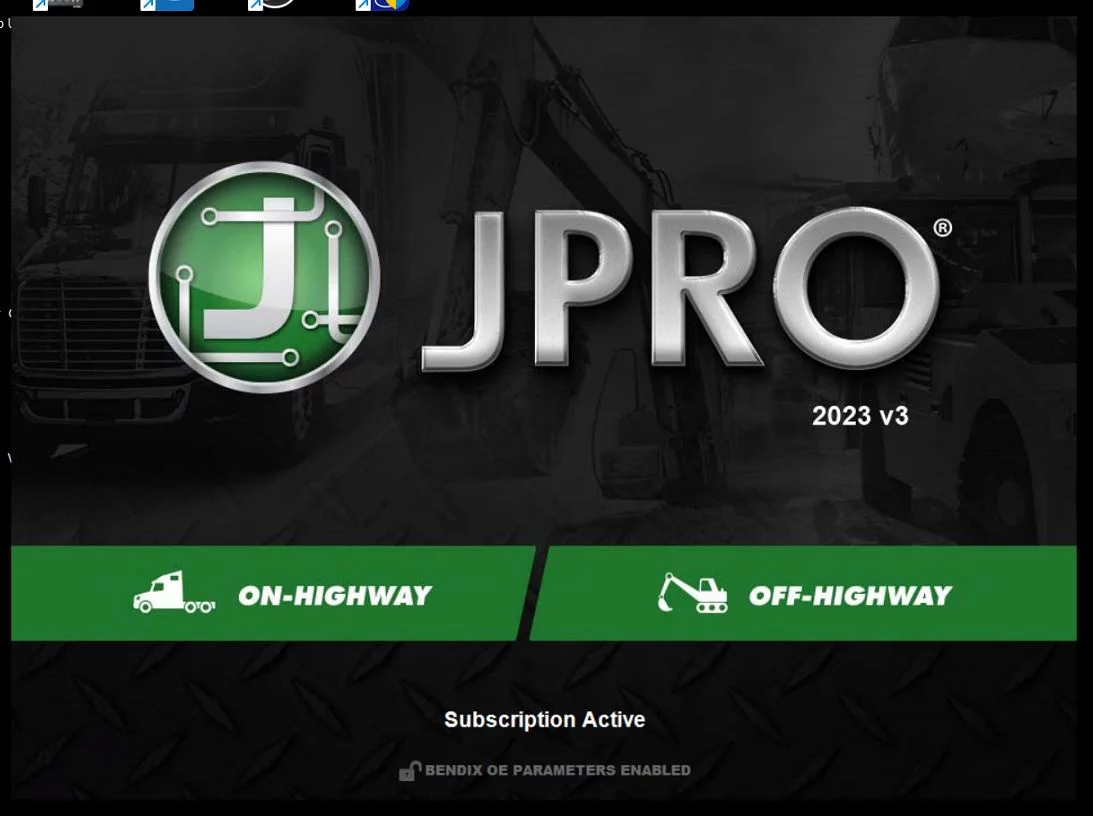
 JPRO
JPRO KUBOTA
 MAGIC TUNER
 MANITOU
 NEXIQ
NEXIQ NONSELF
 PACCAR


 PSI POWERLINK







 ZF TESTMAN



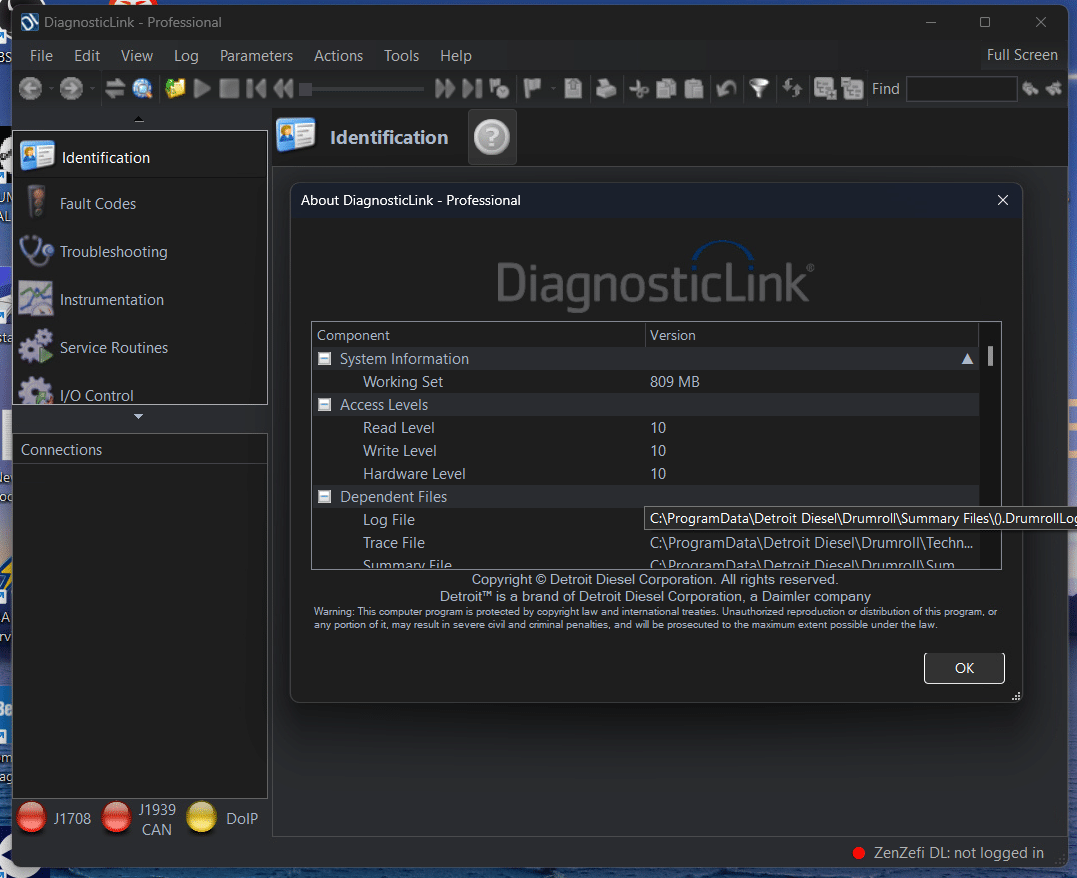


DETROIT DIESEL DIAGNOSTIC LINK 8.23 SP2 2026: Essential Features and Benefits
Detroit Diesel Diagnostic Link 8.23 SP2 is essential software for diagnosing and maintaining Detroit Diesel engines. Designed for heavy machinery and trucks, it offers advanced diagnostic capabilities and improved functionality. The software is compatible with Windows 10 and 11, and it supports various engine models. Using TeamViewer, the installation process and activation are streamlined, ensuring efficient setup for technicians and mechanics.
Table of Contents
ToggleOverview of Detroit Diesel Diagnostic Link 8.23 SP2
The Detroit Diesel Diagnostic Link 8.23 SP2 serves as a vital tool for technical professionals working on heavy-duty vehicles. Its robust capabilities enhance the overall diagnostic experience for users handling Detroit Diesel engines.
Key Features of the Diagnostic Software
This diagnostic software offers significant improvements over its predecessors, enabling users to perform advanced diagnostic functions seamlessly. Key features include:
- Enhanced diagnostic capabilities for EPA 2007 and newer engines.
- Support for various vehicle models including Freightliner and Western Star.
- User-friendly interface designed for efficiency in repairs and maintenance.
Supported Engines and Vehicle Models
The software supports a wide array of engines, making it versatile for diverse applications. Notable models include:
- Detroit Diesel Series 60 engines.
- MBE900 and MBE4000 engines.
- DD13 and DD15 engines compliant with EPA and GHG regulations.
Compatibility with Windows 10 and 11 64-bit
Detroit Diesel Diagnostic Link 8.23 SP2 is compatible only with 64-bit versions of Windows 10 and 11. This ensures optimal performance and access to necessary updates, leveraging the latest technology in diagnostic processes.
System Requirements and Installation
Understanding the system requirements and installation process for the diagnostic software is essential for effective use.
Minimum Hardware and Software Specifications
To run the software effectively, the following specifications are required:
- Operating System: Compatible only with Windows 10 and 11, 64-bit version.
- Processor: Dual-core processor with a minimum speed of 2.0 GHz.
- Memory: At least 2.0 GB of RAM.
- Storage: 40 GB hard drive with at least 20 GB available space.
- Display: Supporting minimum resolution of 1024 x 768 and at least 16 bits color depth.
- USB Connection: One available USB port and a high-speed or broadband internet connection.
Installation Process Using TeamViewer Support
The installation procedure is streamlined through TeamViewer, allowing for remote assistance during setup. This method ensures that any potential issues are addressed in real-time, enhancing the installation experience.
Diagnostic Functions and Tools
The software offers advanced diagnostic functions and tools, allowing technicians to efficiently identify and address issues in Detroit Diesel engines. Key capabilities include ECU identification, fault code display, and more.
ECU Identification and Fault Code Display
This functionality allows users to quickly identify the Electronic Control Unit (ECU) in use. The software displays fault codes that provide crucial insights into engine malfunctions.
Fault Code Clearing and Interpretation
Users can clear stored fault codes after resolving issues, ensuring accurate diagnostics. The software provides detailed descriptions for interpreting fault codes, simplifying the troubleshooting process.
ECU Software Compatibility and Updates
The program ensures compatibility with various ECU software versions. Regular updates enhance functionality and maintain alignment with the latest engine technologies.
Panel Support and Control Views
Panel support offers various control views for monitoring engine performance. These tools provide a visual representation of critical parameters, enhancing the diagnostic experience.
Throttle Panel and PTO Parameter Management
The throttle panel allows for the management of engine speed and power take-off (PTO) parameters. This feature is especially useful in optimizing engine performance for specific tasks.
Panel Display Enhancements and User Interface
Improvements in the user interface enhance usability, making navigation intuitive. Visual enhancements facilitate quicker access to essential diagnostic information.
Offline Diagnostic Capabilities
Offline diagnostics are possible with the use of legacy tools, ensuring usability even without internet access. This feature is vital for working in remote locations.
Using Legacy Tools DDDL and DRS
Legacy tools like DDDL and DRS provide alternative diagnostic options for older Detroit Diesel engines. These tools offer valuable insights when working on legacy systems.
Benefits of Offline Professional Edition
The Professional Edition’s offline capabilities allow for comprehensive diagnostics without relying on internet connectivity. This is advantageous for technicians operating in areas with limited internet access.
Software Support and Troubleshooting
Having reliable software support and effective troubleshooting procedures is critical to optimizing the performance of diagnostic tools for heavy machinery. Below are key points addressing common issues and solutions.
Common Troubleshooting Steps for Detroit Diesel Diagnostic Link
In case of functionality issues, following systematic troubleshooting steps can help resolve problems efficiently. Start by verifying that the software is properly installed and that all necessary updates are applied. Ensure that the license key is entered correctly, and check for any error messages that may provide insight into the issue.
Firewall and Internet Connection Requirements
A stable internet connection is essential for optimal performance. Ensure the firewall permits access to required TCP ports (48481 and 443) for the software to function correctly. Adjust firewall settings if necessary to prevent interruptions during use.
Addressing Compatibility Issues with Microsoft Surface
Users have reported significant compatibility problems when using the software on Microsoft Surface devices. It is advisable to avoid installing the software on these specific models, as it may not work effectively.
Recommended Hardware Alternatives
For optimal performance, consider using laptops or desktops with standard specifications, such as dual-core processors and compatibility with Windows 10 or 11. This will ensure a smoother diagnostic experience.
Accessing Repair Manuals and TechLit Troubleshooting Package
Users can access valuable repair manuals and the TechLit troubleshooting package through the software. These resources provide vital information that can assist technicians in diagnosing and fixing issues efficiently.
Optimizing Diagnostic Performance for Heavy Trucks
Enhancing the diagnostic performance of heavy trucks is essential for efficient maintenance and operation. This section explores the capabilities of the Diagnostic Link software tailored for heavy-duty vehicles.
DiagnosticLink Support for Freightliner Cascadia and Western Star
The software offers robust support for popular models like the Freightliner Cascadia and Western Star. Technicians can effectively diagnose engine issues and perform necessary repairs, thus minimizing downtime and improving overall vehicle efficiency.
Managing Data Files and Diagnostic Reports
Efficient management of data files is critical for maintaining accurate records of diagnostics and repairs.
Creating and Exporting DDEC Reports
Users can generate comprehensive DDEC reports, making it simple to track engine performance metrics. These reports can easily be exported for documentation or further analysis.
Storing and Reviewing Operation Log Files
Operation log files are invaluable for reviewing past diagnostics and understanding recurring issues. The software allows easy storage and retrieval of these logs, aiding in effective troubleshooting.
Enhancing Efficiency with New Display and Control Features
The latest enhancements in display and control features provide a more user-friendly interface. These improvements streamline the process of monitoring crucial engine parameters, enabling quicker adjustments and diagnostics.